
Emoji Font 3
Tools
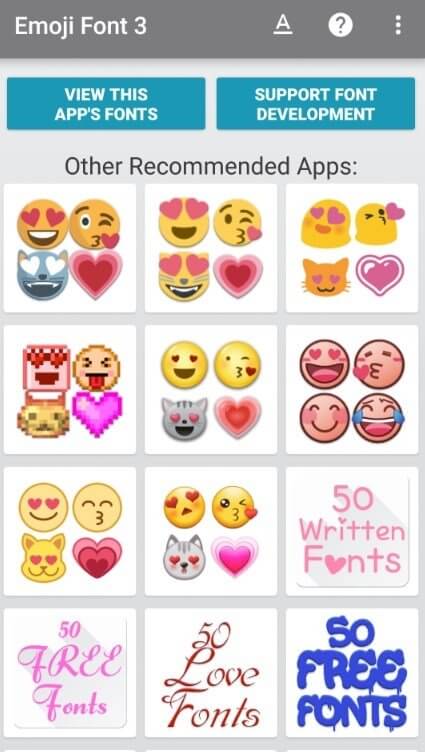

Emoji Font 3 is an Android utility that lets you change the visual style of emojis across the system. By installing the APK, the default emoji set is replaced with a newer, iOS‑inspired color font, giving your chats a fresh look without needing a separate keyboard.
This page provides the latest version details, a quick guide on how to install the APK, common issues and their fixes, and a comparison with other popular emoji or keyboard solutions.
Quick Information
| App/Game Name | Emoji Font 3 |
| Latest Version | 3.0.10 |
| Developer | Not listed |
| Category | Apps / Tools |
| App Size | 9.08 MB |
| Package Name | com.monotype.android.font.free.emoji.color.ios |
| Last Updated | 14 January 2026 |
What Is Emoji Font 3?
Emoji Font 3 is a free font package designed for Android devices. Its core function is to supply a color emoji font that mimics the appearance of iOS emojis. Once installed, the font can be applied system‑wide, affecting messaging apps, social media, and any other place where emojis appear. The app does not include a keyboard; it works alongside your existing keyboard to change only the visual representation of emojis.
Compatibility
| Android Version | ✓ Verified — 4.1 & Above |
| Architecture (ARM64 / 32-bit) | Not Verified |
| Internet Connection | ✓ Verified — May be required for ads, updates, or login |
| Storage Needed | Not Verified |
| OBB/Data Files | Not Verified |
| Root Required | Not Verified |
How to Install
- Download the Emoji Font 3 APK file to your device.
- Open Settings → Security (or Privacy) and enable Install unknown apps for the browser or file manager you used.
- Locate the downloaded APK in your Downloads folder and tap it.
- Follow the on‑screen prompts to complete the installation.
- After installation, open the app and follow any on‑screen instructions to apply the new emoji font. A device restart may be required for the changes to take effect.
Troubleshooting
- App not installed: Ensure you have enabled installation from unknown sources and that the APK is fully downloaded.
- Crashes on launch: The app may be incompatible with very old Android versions; check the compatibility table for supported versions.
- Emoji font does not change: Some devices require a reboot after applying the font. Verify that you have followed the app’s activation steps.
- Conflicts with other font apps: Only one system font can be active at a time. Uninstall any other font‑changing apps before applying Emoji Font 3.
Safety & Security
Emoji Font 3 is a modified font package, not a full application. When downloading, choose a reputable source and verify the file’s integrity if a hash is provided. Review the permissions the APK requests; it should mainly need storage access to install the font. Avoid entering personal or financial information within the app, as it is not designed for such data.
How Emoji Font 3 Compares
| Feature | Emoji Font 3 | SwiftKey Keyboard | Gboard |
|---|---|---|---|
| Price / Free Model | Free | Free with optional premium features | Free |
| Platform Availability | Android only | Android & iOS | Android & iOS |
| Standout Feature | System‑wide iOS‑style color emoji font | AI‑powered predictive typing | Google search integration & multilingual typing |
| Best For | Users who want a uniform emoji look across apps | Those who want advanced typing assistance | Users who rely on Google services and need quick search |
Alternatives
- SwiftKey Keyboard – Offers predictive text, swipe typing, and a wide range of themes, including custom emoji packs.
- Gboard – Google’s keyboard with built‑in search, GIFs, and multilingual support; also provides a standard emoji set.
- Facemoji Keyboard – Provides a large collection of stickers, emojis, and avatar creation tools.
- Bitmoji – Lets you create a personalized cartoon avatar and use it as stickers and emojis in messaging apps.
- Emoji Maker – Focuses on creating custom emojis that can be shared via messaging platforms.
Final Verdict
Emoji Font 3 is a straightforward solution for Android users who want to refresh their emoji appearance without changing keyboards. It’s lightweight, free, and works system‑wide after a simple install and reboot. However, it does not add new emojis or typing features, and it requires manual activation. Verify compatibility with your device version before installing, and always download from a trusted source.
Frequently Asked Questions
The APK is safe when downloaded from a reputable source, but always check permissions and avoid entering sensitive data.
Compatibility varies; refer to the compatibility table for the minimum supported Android version.
No root is required; the app applies the font as a system resource after installation.
After installing, open the app and follow the activation steps, then restart your device to apply the changes.
Yes, it works alongside any keyboard; it only changes the visual style of emojis.
The latest version (3.0.10, 9.08 MB) is available on this page; ensure you download the APK directly.